
Files in motion.
Progress in view.
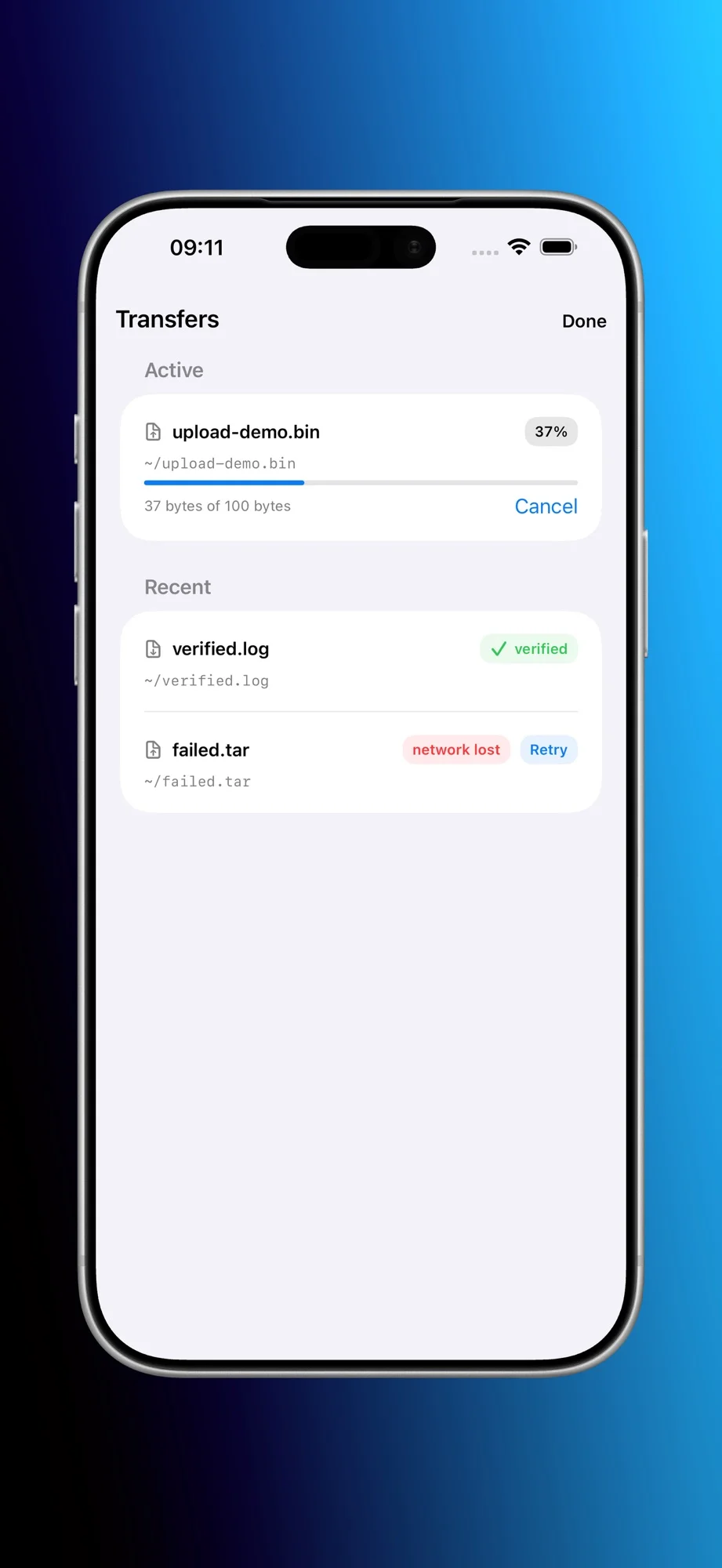
Follow active and recent SFTP transfers, review progress and manage retries. Move files between your device and the locations your SSH account can access.
 View screenshot
 Termex for iPhone
Connect to your SSH hosts, keep work in tmux sessions and move files with native SFTP. Built for iPhone, using the servers you already have.
Use your own SSH hosts and credentials.
Session continuity requires tmux on the host.
View screenshot Explore the app
Follow active and recent SFTP transfers, review progress and manage retries. Move files between your device and the locations your SSH account can access.
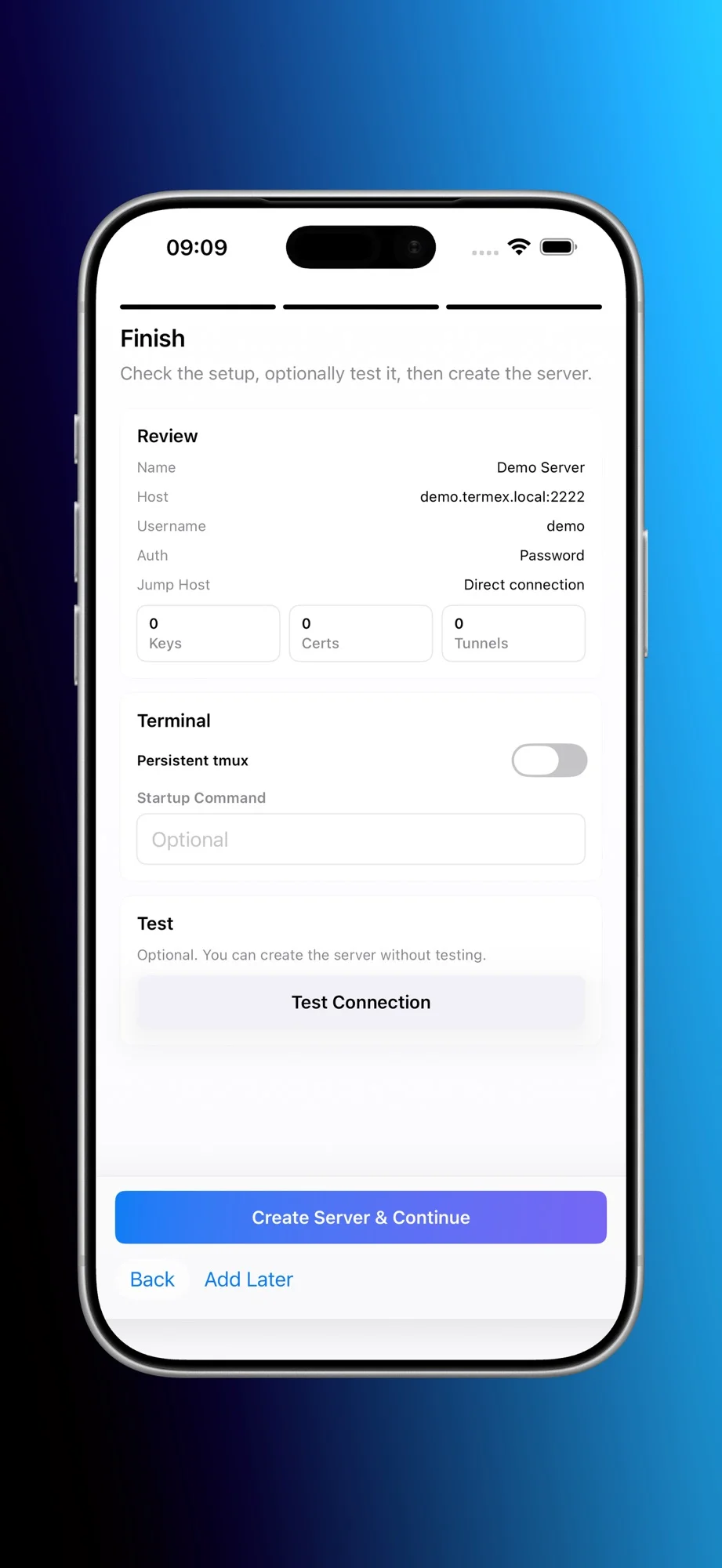
View screenshot Choose a tmux session workflow when setting up a connection. With tmux installed on your host, reconnect to work that continues on the server.
 View screenshot
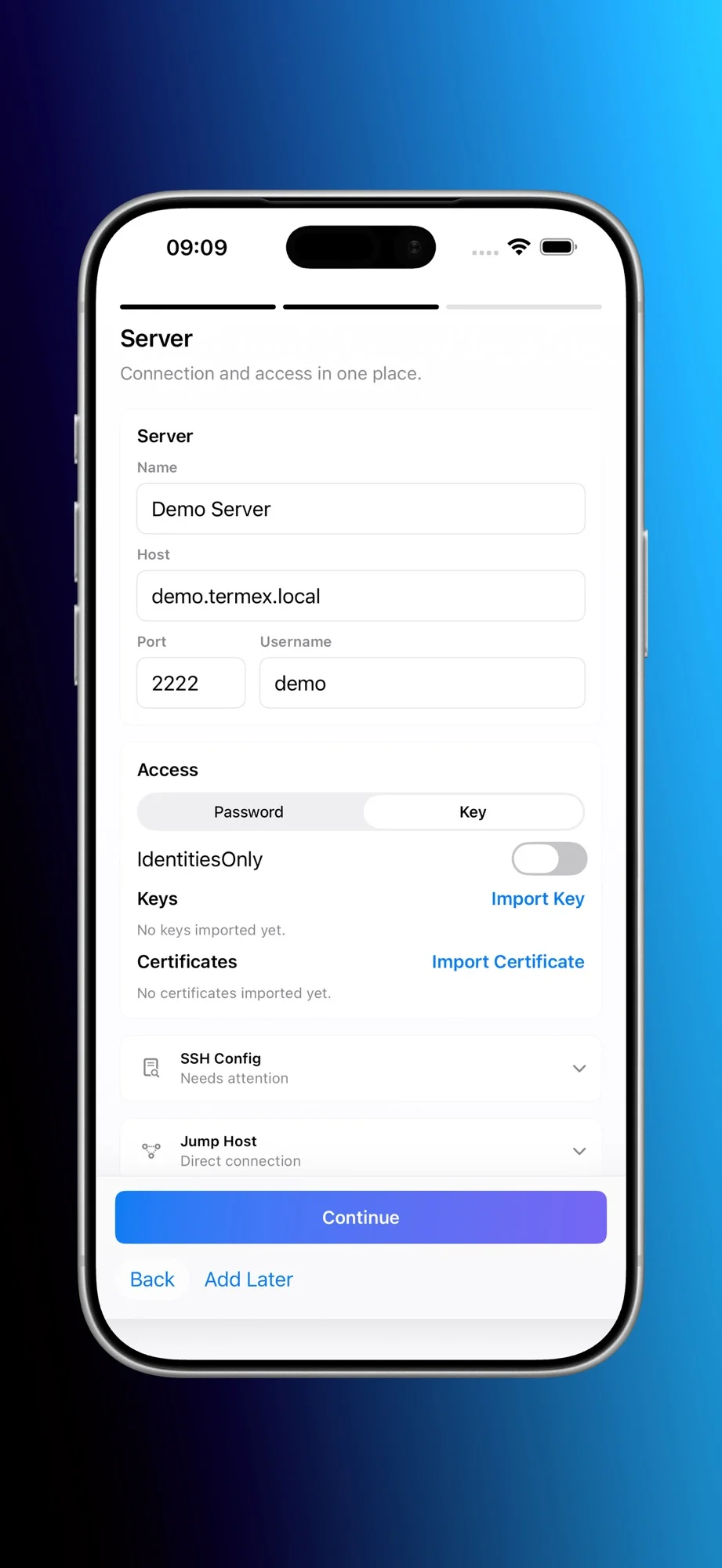
 Configure SSH keys and certificate authentication, import the credentials you use and verify host identity before connecting.
 View screenshot
 Download the app for iPhone or iPad.
Configure an authorised SSH connection and verify its host identity.
Open a terminal session or transfer files with SFTP.
Good to know
A reachable SSH server and an account you are authorised to use. tmux must be installed on the host for tmux-backed session continuity.
Termex includes native SFTP for file transfers. The files and destinations you can access depend on your SSH account permissions.
No. Bring your own hosts. Current app pricing and available purchases are shown by Apple; hosting costs are separate.