Termex
Termex app icon

Termex.
tmux-backed SSH that reconnects.

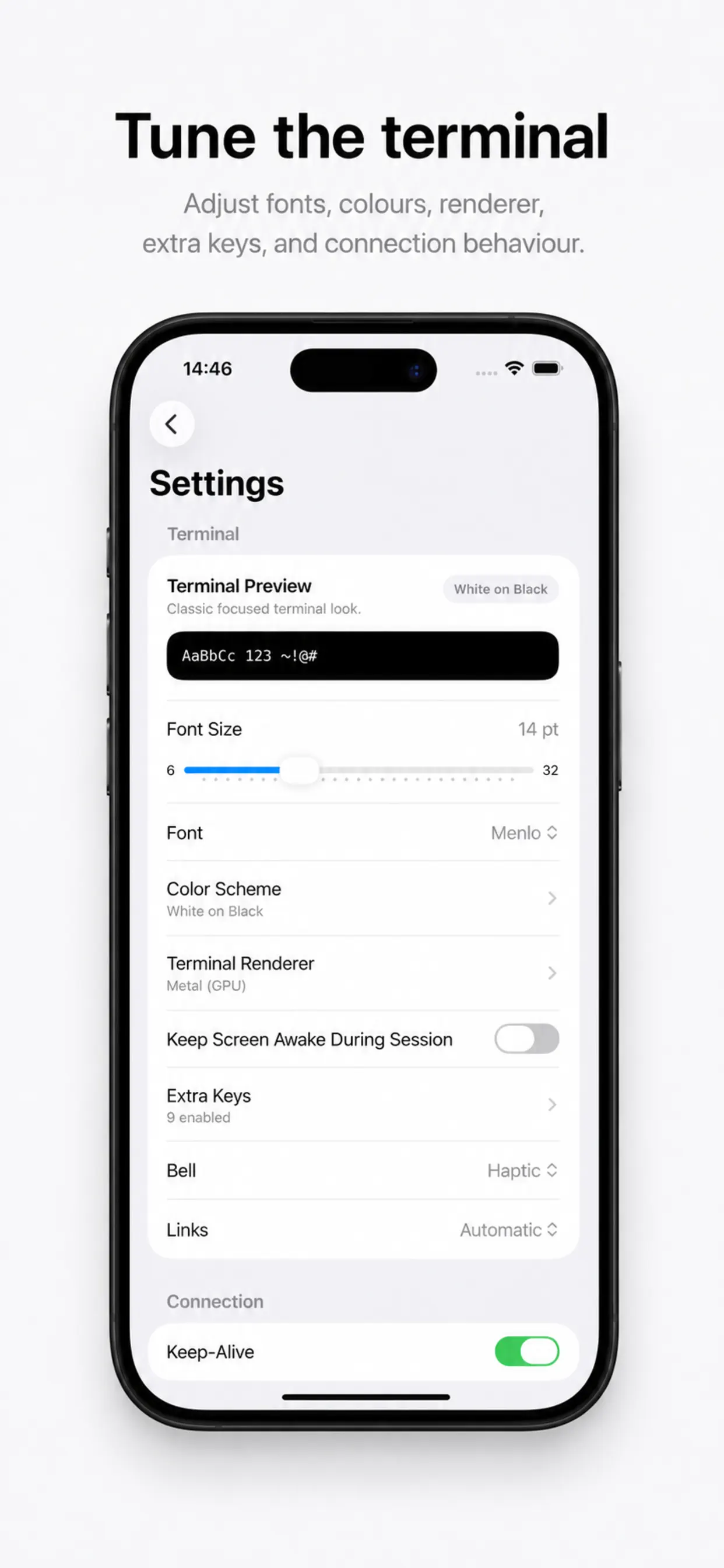
Termex is a mobile SSH client built around tmux continuity: import real SSH config, browse remote files over SFTP, forward ports, discover nearby SSH hosts, and reopen the shell later without starting over.

Download on the App Store

Capabilities

Real server work, not a demo shell.

The app is shaped for long-lived SSH work: SFTP browsing, port forwarding, shell integration, Shortcuts, Secure Enclave keys, YubiKey signing, workspaces, and diagnostics are all part of the product.

Remote file browser

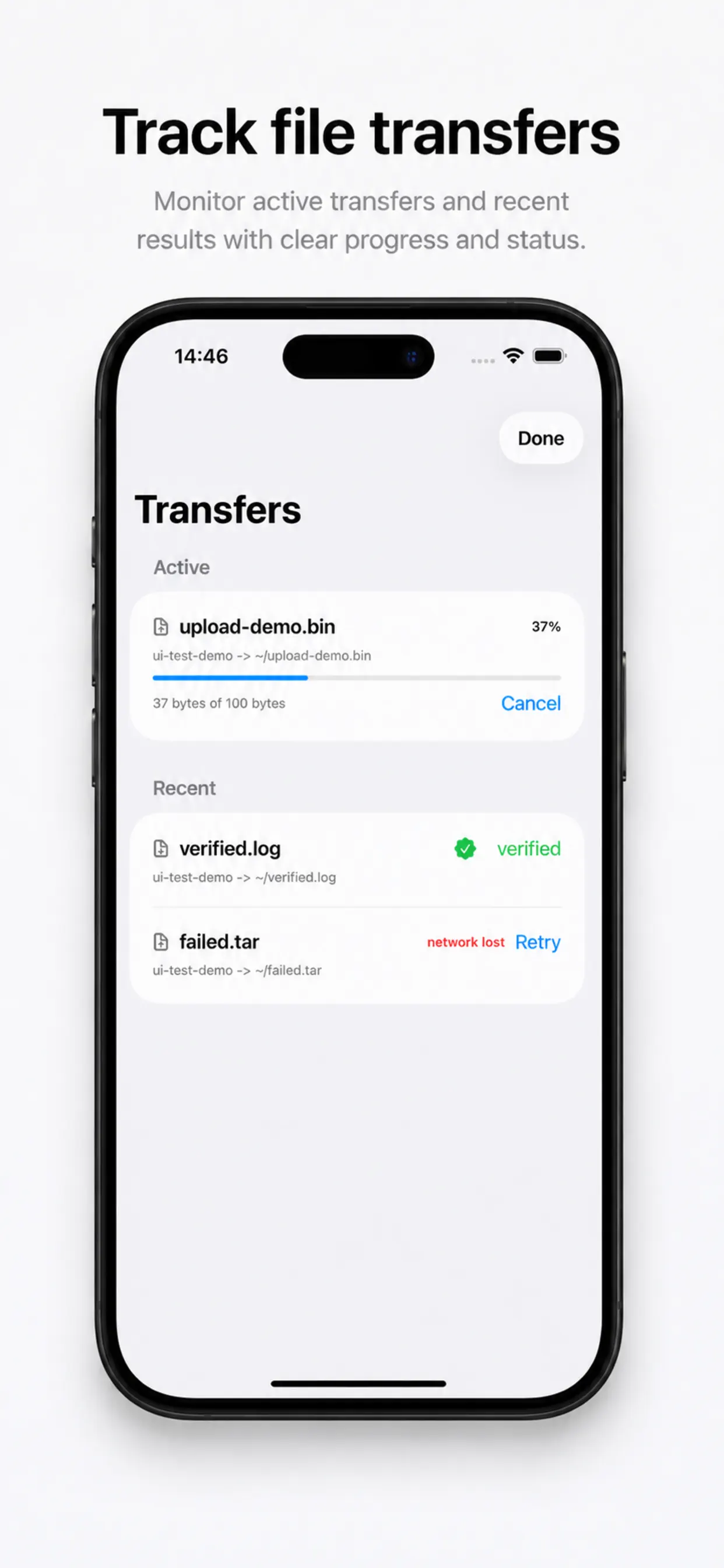
Browse remote folders over SFTP, upload or download from the file list, rename, delete, create folders, edit text files, and change modes.

tmux-backed continuity

When persistent tmux is enabled, Termex creates or reuses one tmux session per server so you can reattach later.

Port forwarding and SOCKS

Local port forwarding and SOCKS5 proxy from the terminal toolbar. Route traffic through jump hosts.

Shell integration and Shortcuts

Install remote shell snippets for OSC 7 directory tracking, open saved servers, and run saved snippets from Shortcuts.

Hardware-backed keys

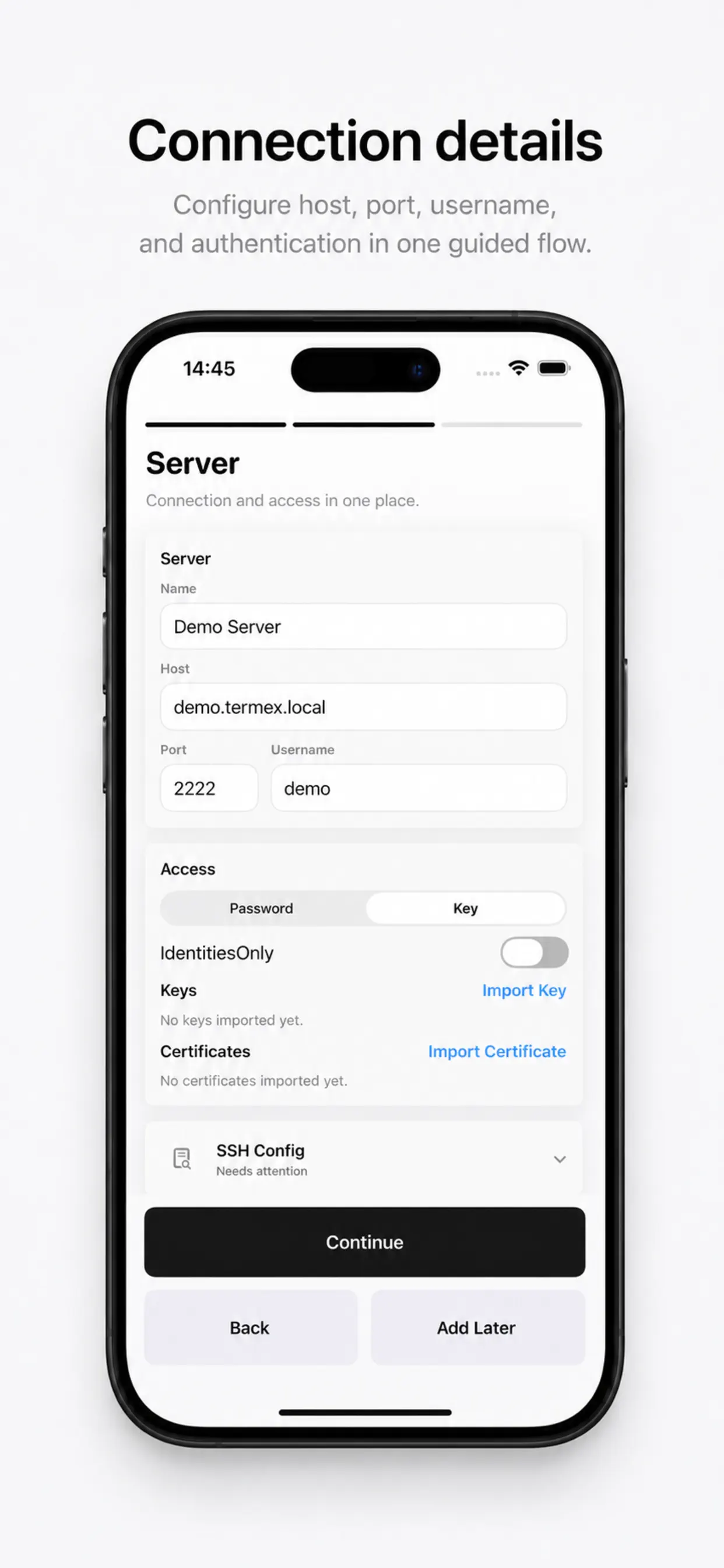
Password, key, certificate, Secure Enclave keys, YubiKey signing where supported, and key-then-password fallback.

Reports and Live Activities

Structured SSH errors, exportable diagnostics, and active session or transfer counts on the Lock Screen and Dynamic Island.

Privacy

Local trust. Local secrets.

Known hosts, passwords, private keys, passphrases, transfer records, and session logs stay device-local. Optional Apple-only Sync can sync selected metadata.

KeychainSecret storage
StrictKnown-host checks
LocalDiagnostics by default

Architecture

SwiftUI shell. Local SSH stack underneath.

SwiftUI and SwiftData own the app surface, while local SSH and terminal packages handle auth, host-key validation, forwarding, tmux attach, and resume state.

Swift

iOS client

SwiftUI owns onboarding, server editing, settings, and the terminal flows needed for quick operational access on iPhone and iPad.

SSHCore

Handshake and session flow

The local SSH stack handles auth, proxy jumps, forwards, tmux attach, and the reconnect path that keeps long-lived sessions usable.

TerminalKit

Terminal and workspace

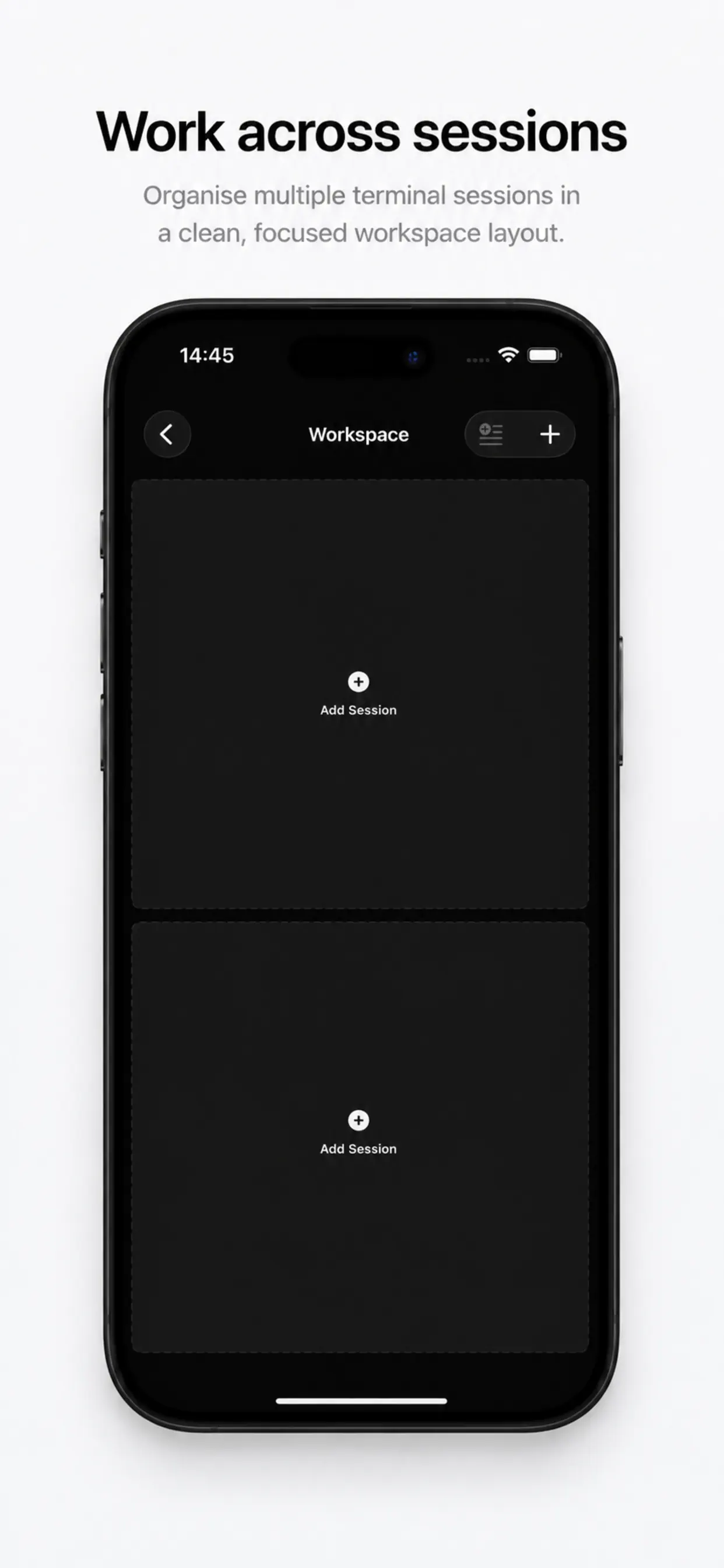
Terminal rendering and the multi-pane workspace live in the app, so moving between shells does not depend on a remote UI layer.

Local stores

Trust and persistence

Known hosts, passwords, private keys, passphrases, transfer records, and session logs stay device-local; selected metadata can use Apple-only Sync.